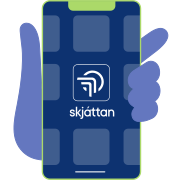
1. Open Skjáttan on your phone
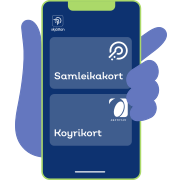
2. Select ‘Samleikakort’ or ‘Driving License’
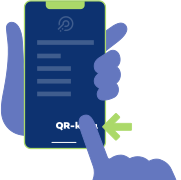
3. Press ‘QR Code’ in the bottom right corner
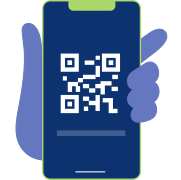
4. Your QR code is ready in Skjáttan
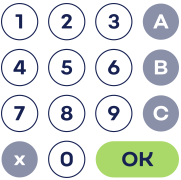
5. Press the number for the item, and the green ‘OK’ button
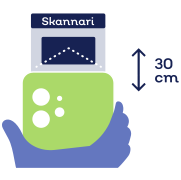
6. Face your QR code towards the red light
– approximately 30 cm away from the scanner
– approximately 30 cm away from the scanner
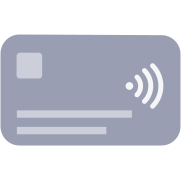
7. Pay by card or phone

8. When ‘PUSH’ is flashing, press door in to retrieve your item